
How to Use SVXtract
Follow our simple step-by-step guide to download HD Shopee videos without watermark in MP4 format.
Step-by-Step Guide
Downloading Shopee videos is easy with SVXtract. Just follow these 3 simple steps:
Copy Shopee Video Link
Open the Shopee app or website and find the video you want to download. Tap the share button and copy the video link.
Paste Link in SVXtract
Go back to SVXtract and paste the copied Shopee video link into the input field.
Pro Tip
Make sure you're copying the correct video link. Product videos, reviews, and live streams are supported. See the supported links section below for examples.
Interface Screenshots
Here's how the SVXtract interface looks in action:
Main Interface
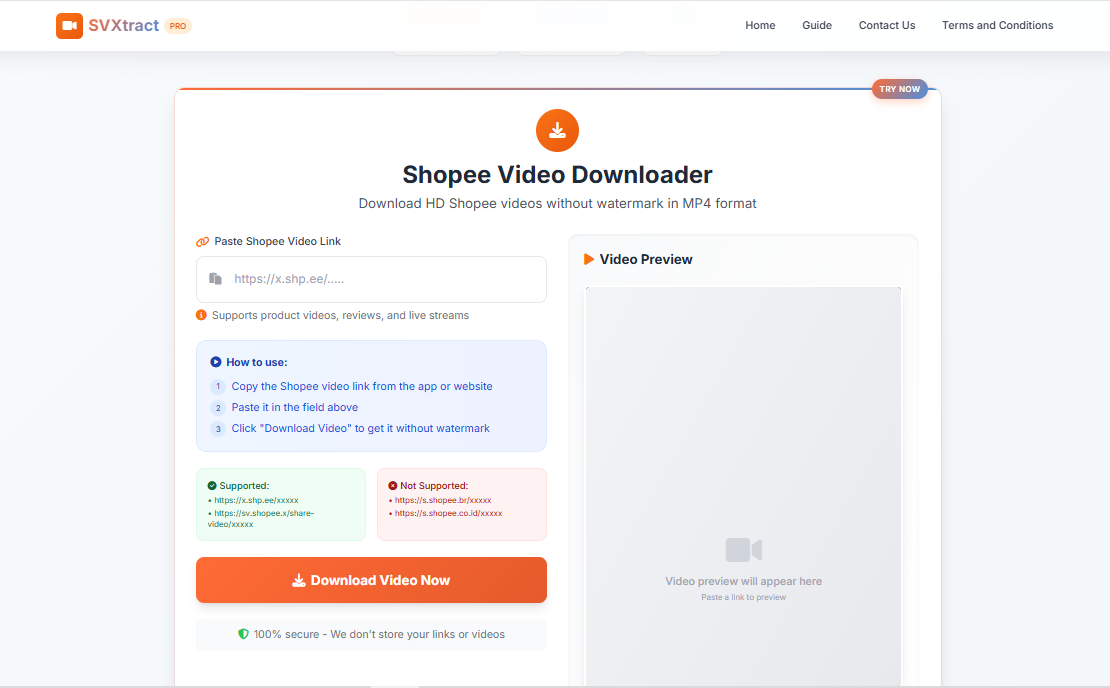
Paste your Shopee video link here
The main interface where you paste your Shopee video link.
Link Example
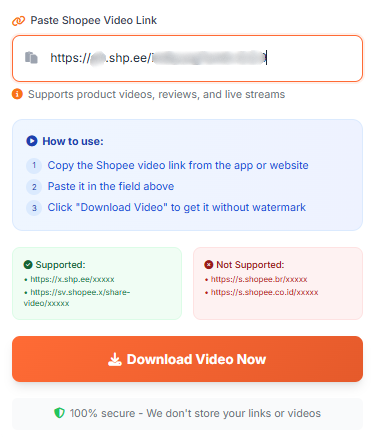
Example of a valid Shopee video link
Example of a valid Shopee video link format.
Video Preview
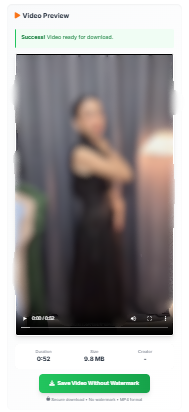
Video preview after pasting link
The video preview appears after pasting a valid link.
Supported Links
SVXtract supports various Shopee video link formats:
✅ Supported Formats:
❌ Not Supported:
Note: SVXtract supports product videos, reviews, and live streams from Shopee.
Ready to Download Shopee Videos?
Start downloading HD Shopee videos without watermark today. Perfect for affiliate marketers, content creators, and businesses.
100% secure - We don't store your links or videos